Control Access to Confidential Investor Updates
Share board updates and fundraising files with strict controls and measurable engagement. Only the right people open the link; you see who did.
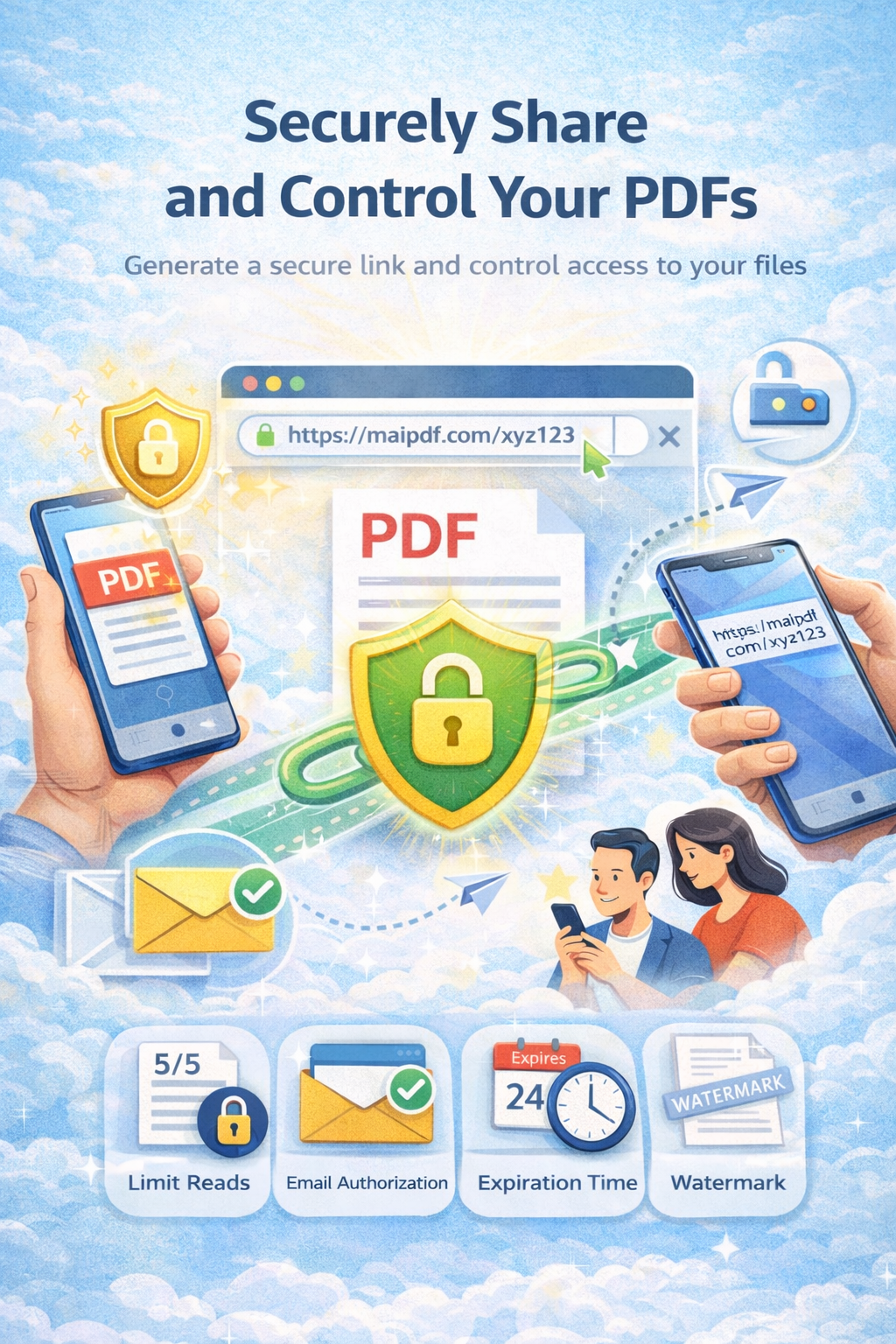
Share board updates and fundraising files with strict controls and measurable engagement. Only the right people open the link; you see who did.
Article
Investor updates and pitch decks are confidential. A single forwarded link can leak to competitors or the wrong party. With verification, view limits, watermarks, and expiry you keep control and can see who actually opened the file—so you follow up with the right people.
Controls
Allow only known recipients. You see who opened in access records.
Cap repeated opens so the link isn’t shared endlessly.
Show viewer identity on the PDF to deter screenshots and leaks.
Auto-close access after the update window (e.g. board meeting).
Example
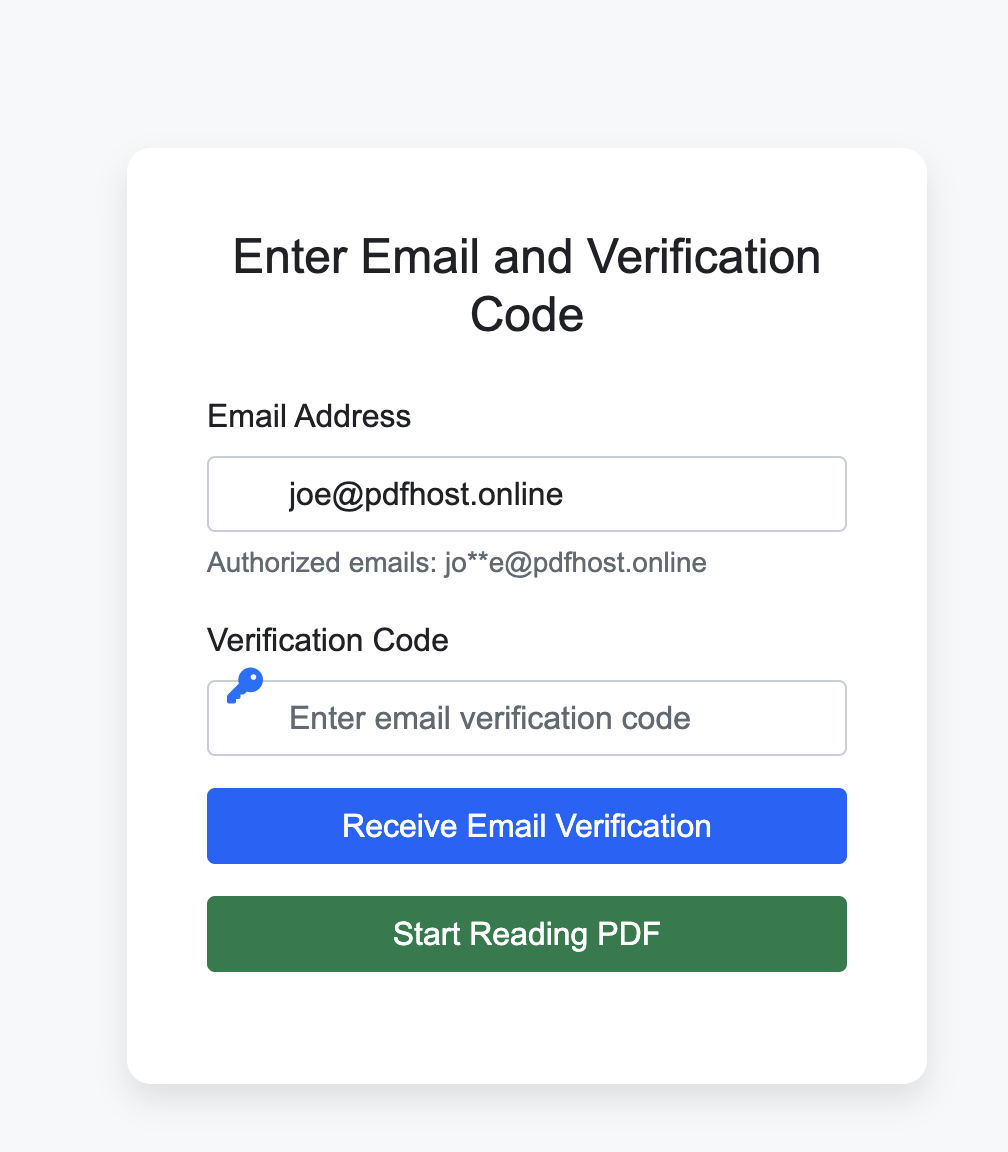
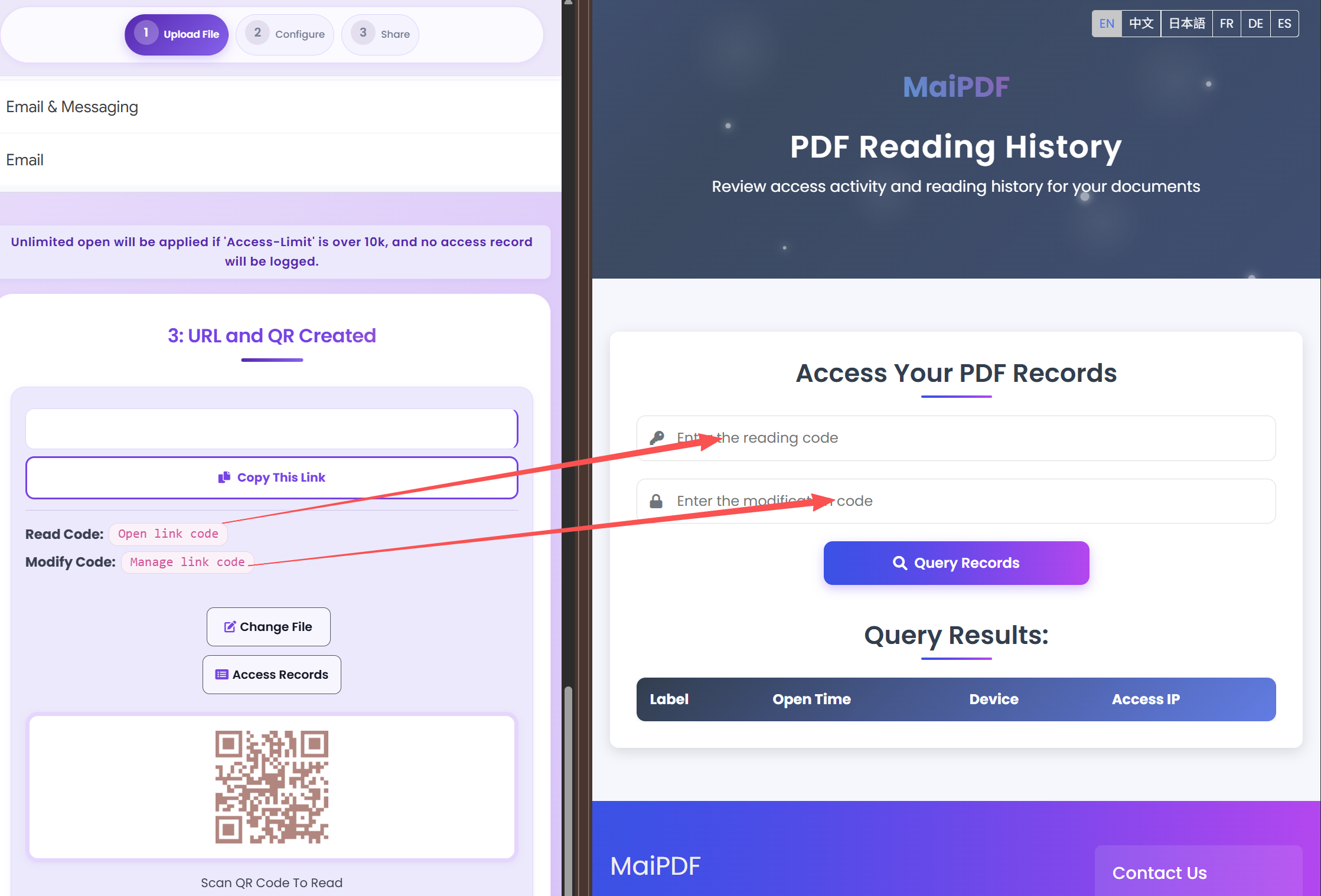
Before opening the PDF, recipients may be asked to enter their email. After opening, you can review access records to see who viewed and when.
Tips
Execution
Playbook
| Scenario | Recommended controls | Follow-up action |
|---|---|---|
| Sales proposal | Password + 7-day expiry + watermark | Review open timeline before pricing follow-up |
| Investor update | Verified viewer + no-download + revoke switch | Disable access after board cycle ends |
| Training materials | QR sharing + view limits + printable allowed | Track completion and refresh old versions |
FAQ
Yes. Email verification ensures only intended recipients can open the file and ties opens to a known identity in access records.
Yes. Use Access Records with your Read Code to see when and how often the link was opened. With email verification, you know who opened it.
Read more
Layered protection for confidential files.
Recovery and revoke.
Full control and tracking.
Access records and codes.
Updated MaiPDF protection path
SendPDFOnline pages now describe MaiPDF as a two-level product family: Online Cloud Sharing creates quick browser links and QR codes, while the MaiPDF App creates protected .maipdf packages for sensitive PDFs that need App DRM controls.
Upload a PDF, share a browser link or QR code, and keep read code / modify code management.
Package the PDF in the MaiPDF App with local encryption, license rules, expiry, open limits, and revoke control.
Use protected viewer, device binding, screenshot-aware controls, watermark trace, and license management where supported.
No web page can fully stop screenshots. MaiPDF App DRM is positioned as the stronger path: reduce casual copying, bind access to identity/devices, revoke licenses, and trace leaks with visible watermark information.
Free. No sign-up required.
Secure Investor Docs