Training Materials Distribution Guide
Share course PDFs and training materials with password, view limits, and expiration. See who opened the link—no LMS required.
View limits Expiration Analytics
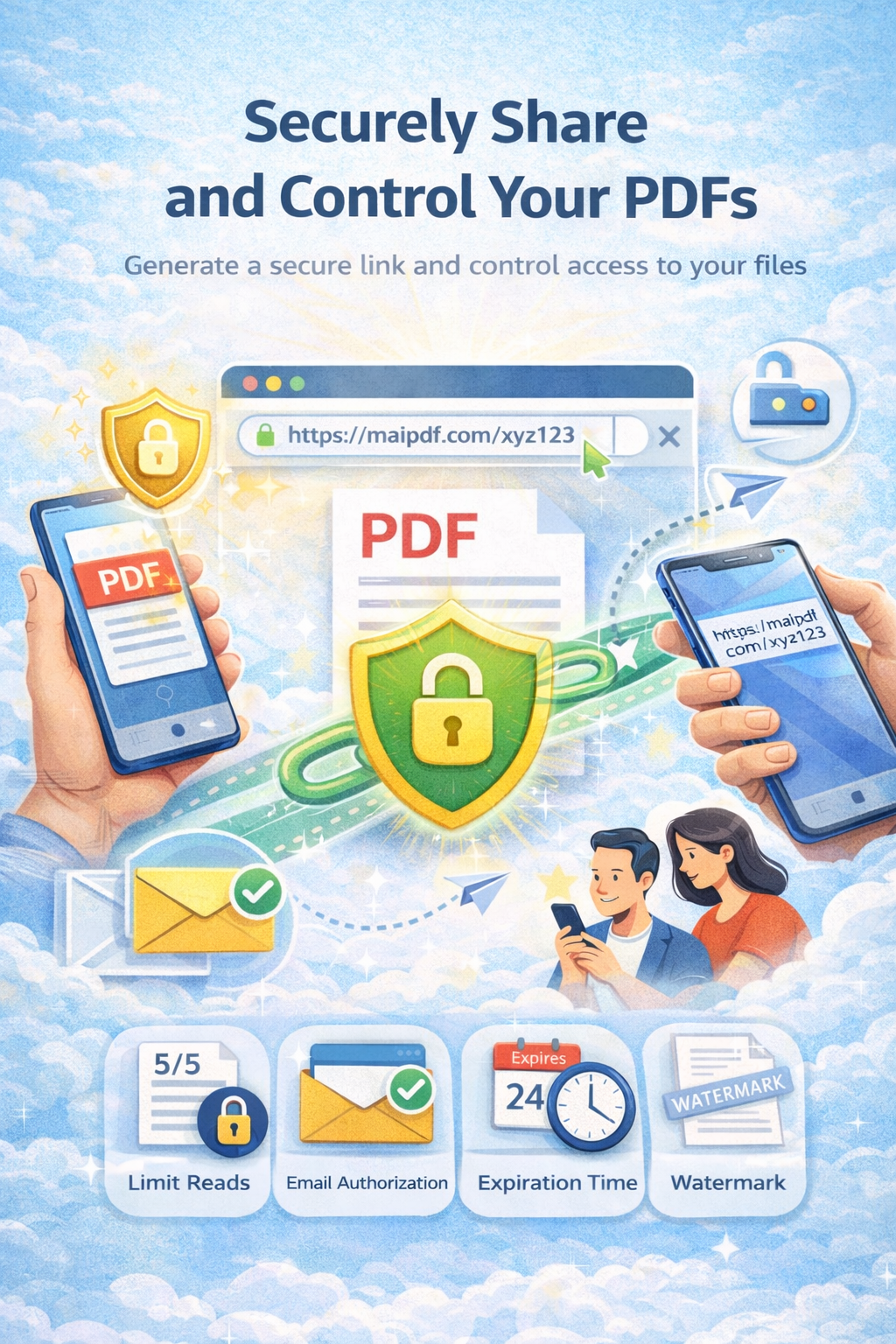
Share course PDFs and training materials with password, view limits, and expiration. See who opened the link—no LMS required.
View limits Expiration Analytics
Article
You need to control who sees course materials and how often. MaiPDF lets you set view limits, expiration, optional password, and see who opened the link—without a full LMS.
How it works
Upload your training or course PDF.
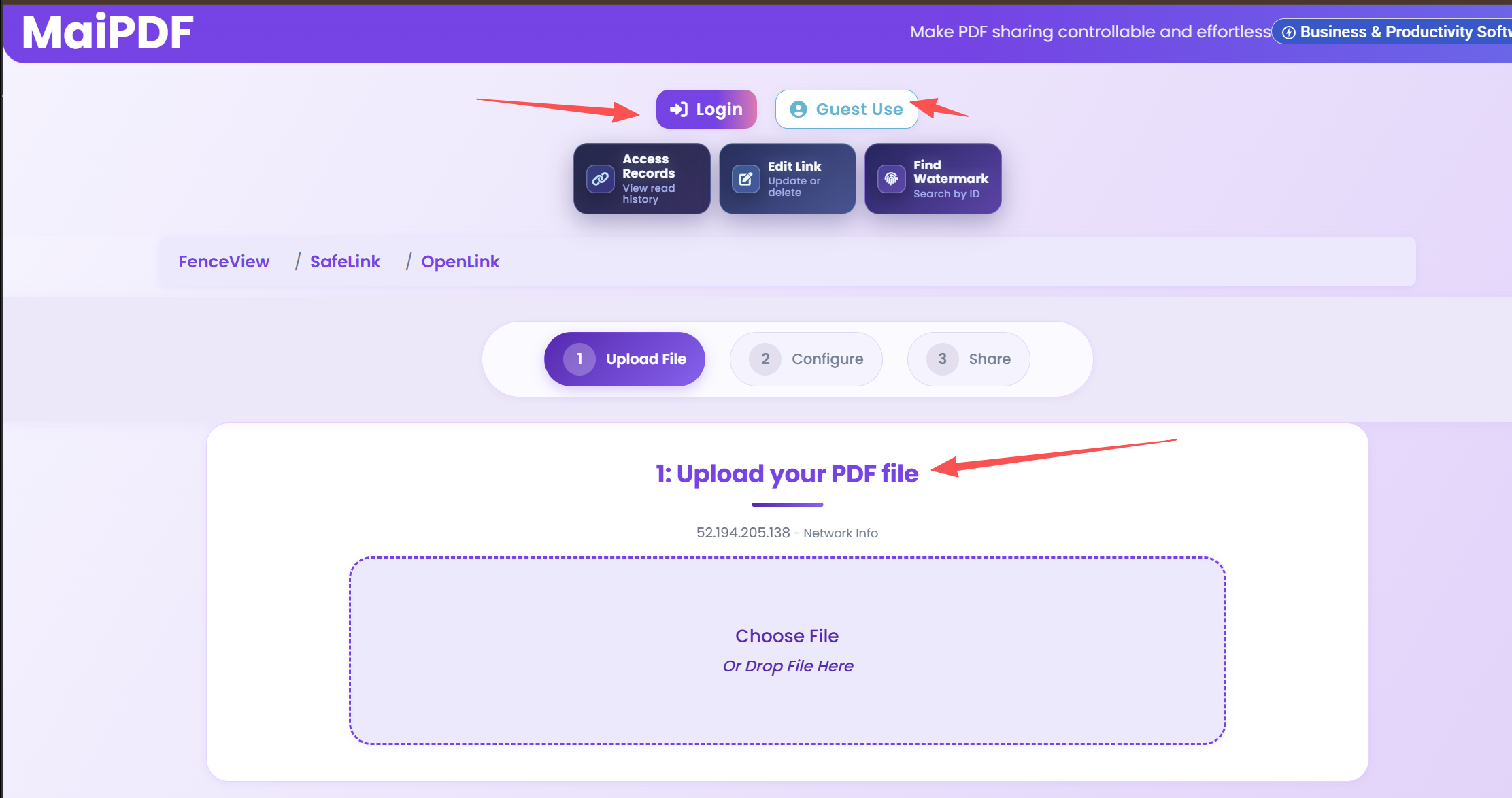
View limit, expiration, optional password.
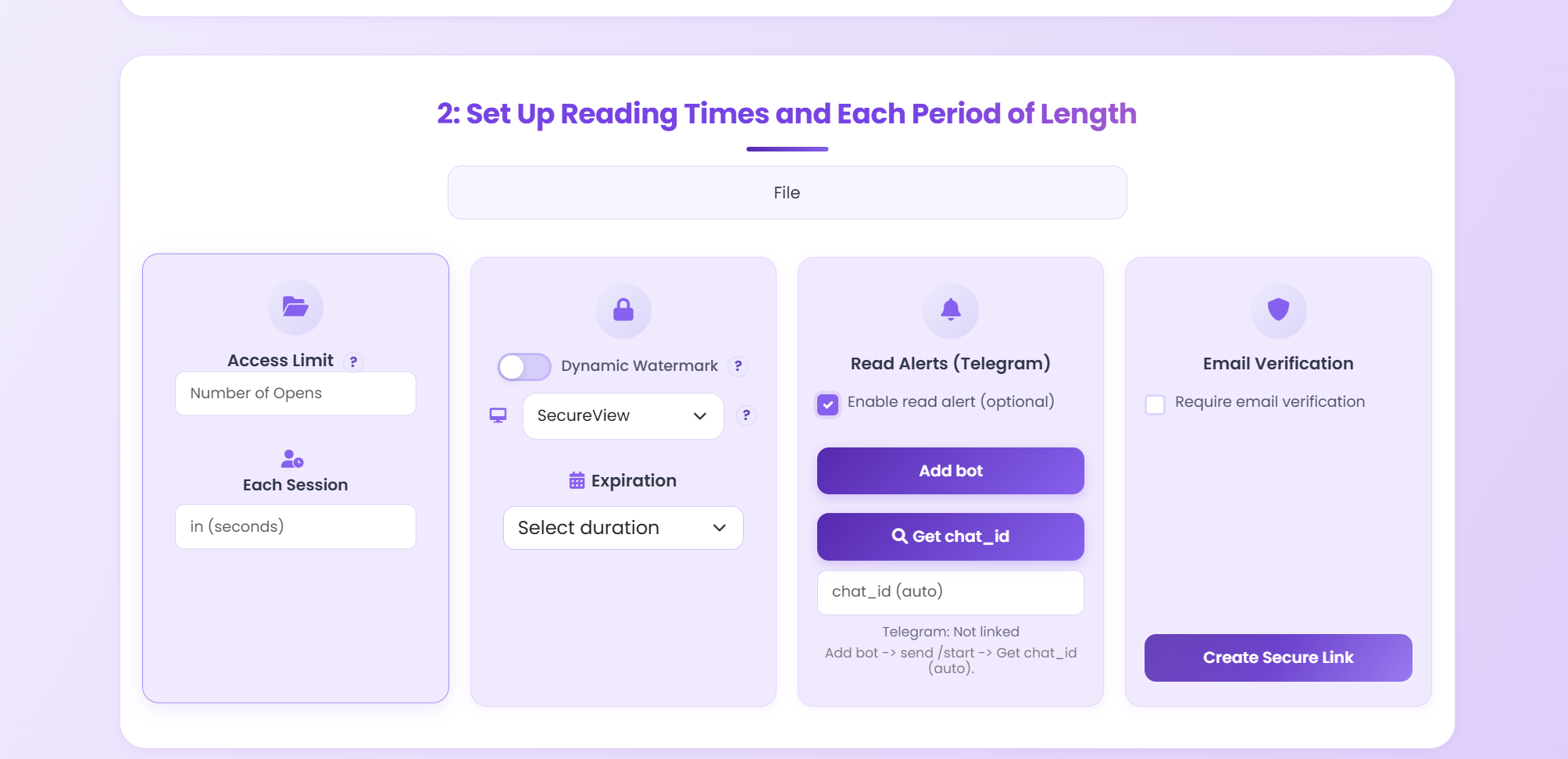
Send link to trainees; check opens in dashboard.
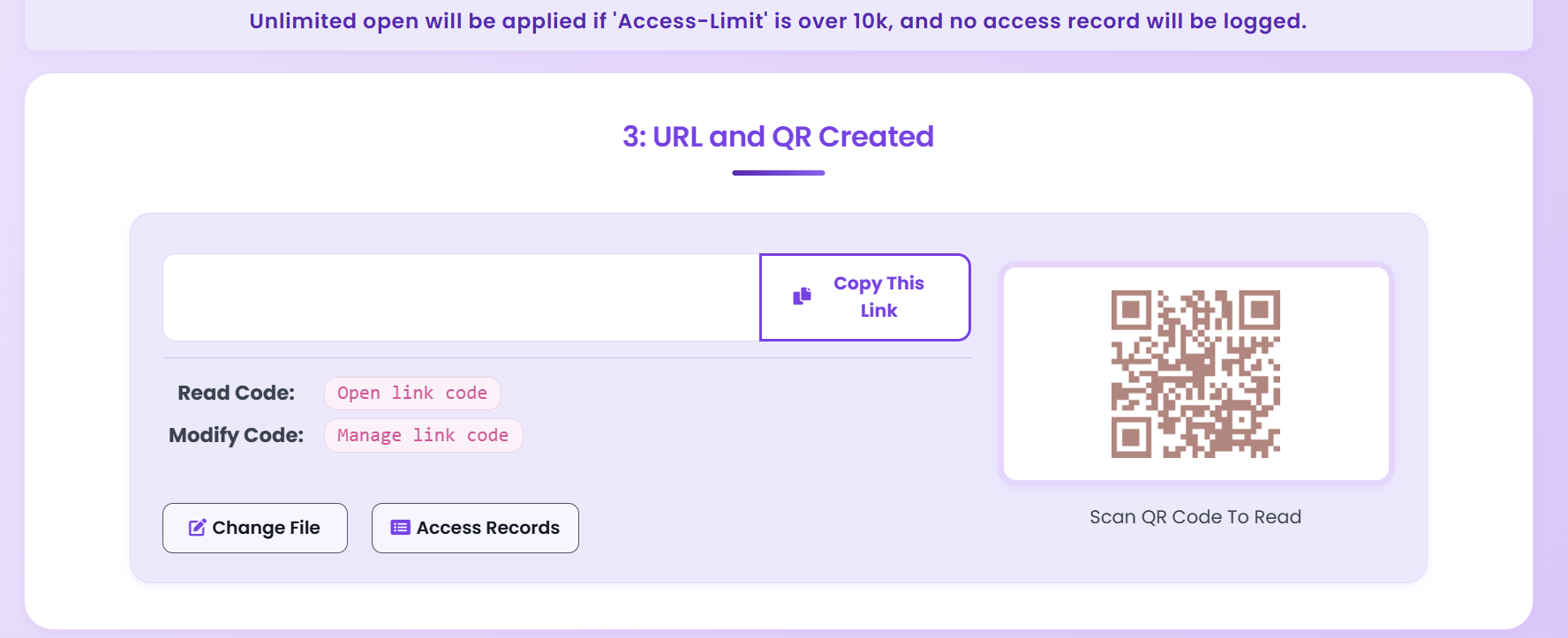
Features
Cap how many times each person can open.
Link stops after a date (e.g. end of course).
Share password separately for trainees only.
See when the link was opened.
Tips
Execution
Playbook
| Scenario | Recommended controls | Follow-up action |
|---|---|---|
| Sales proposal | Password + 7-day expiry + watermark | Review open timeline before pricing follow-up |
| Investor update | Verified viewer + no-download + revoke switch | Disable access after board cycle ends |
| Training materials | QR sharing + view limits + printable allowed | Track completion and refresh old versions |
FAQ
No. They open the link in the browser. If you set a password, they enter it once. No sign-up required.
Yes. The dashboard shows when the link was opened. With email verification you can see which email opened it.
Read more
View limits, watermark, tracking.
Access control options.
Expiration and view limits.
Share with control.
Free. No sign-up required.
Get Started Free