When Watermarking Actually Helps
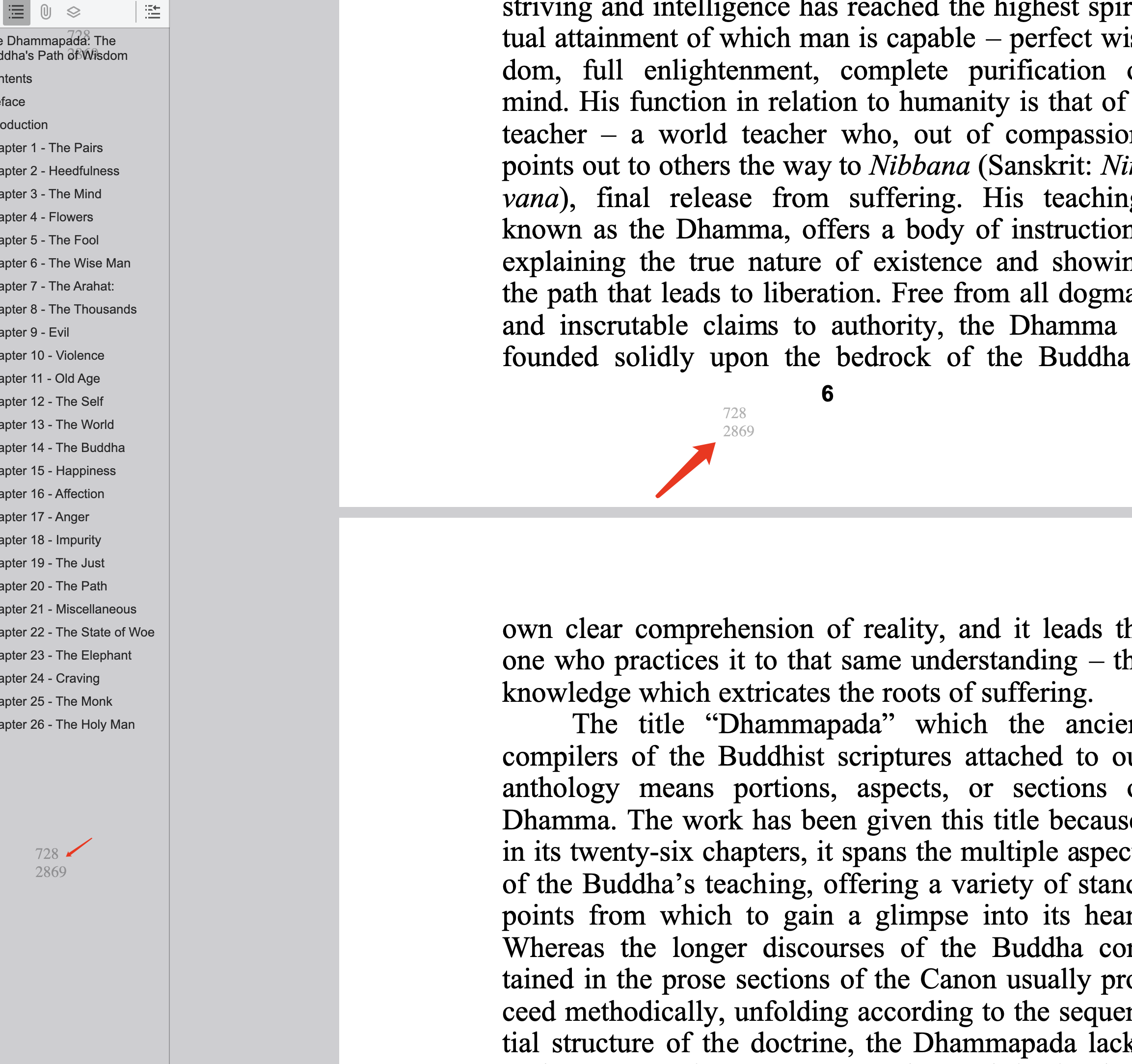
Watermarking does not block every leak, but it changes behavior. A visible watermark with viewer identity and time makes sharing traceable, which strongly reduces casual forwarding.
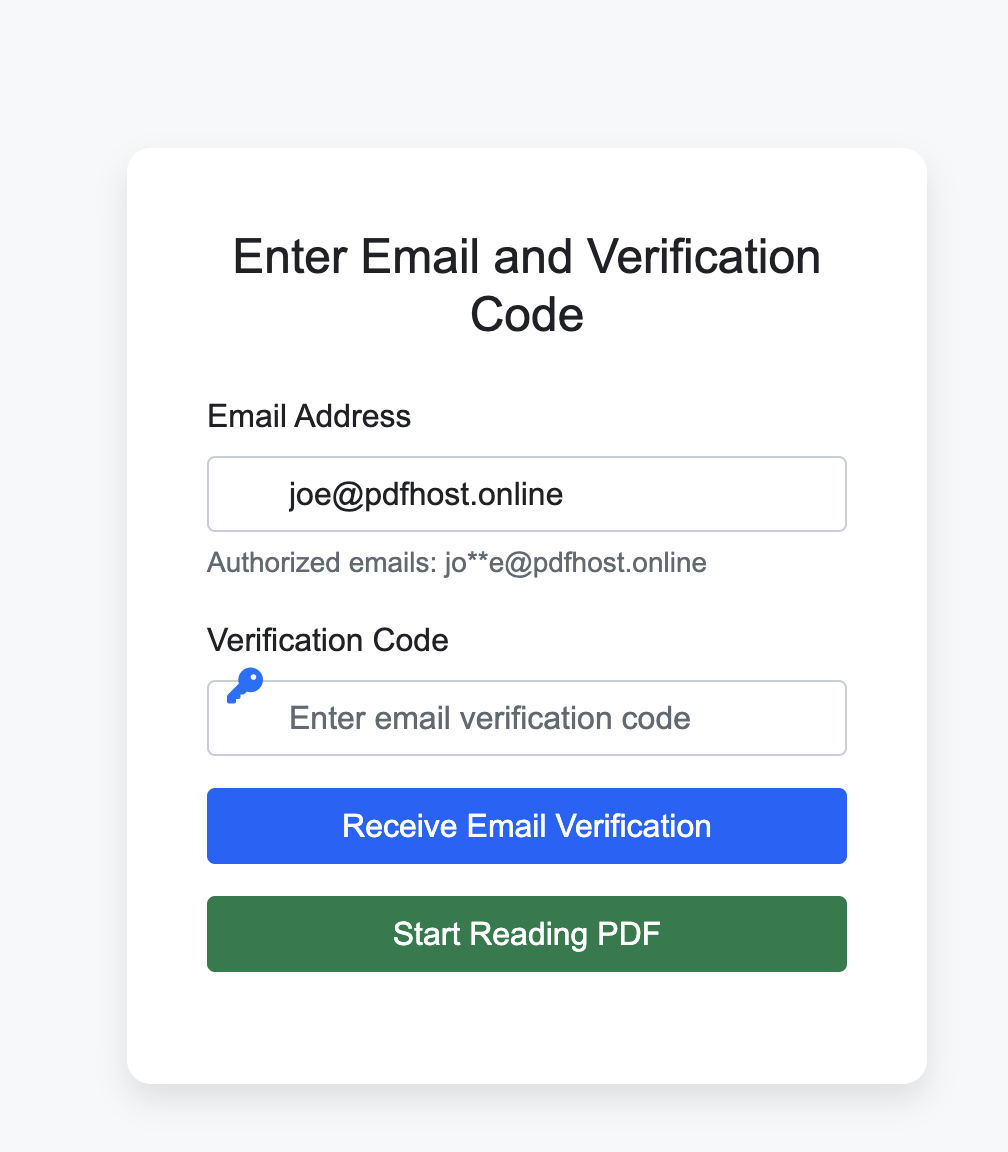
Best practice: Use dynamic watermark + email verification + access logs together. One control alone is usually too weak.
- Legal and finance: drafts, due diligence files, investor updates.
- Sales: proposals with sensitive pricing.
- Training/content: paid or internal PDFs that should not be redistributed.
What a Good Watermark Setup Looks Like
Recommended defaults
- Watermark fields: email, timestamp, and partial IP or user code.
- Set open limits for short-lived documents.
- Keep a valid date window instead of permanent links.
Operational Workflow for Teams
Simple rollout checklist
- Define which document types require watermark by default.
- Create a template policy: verification, expiry, read limit.
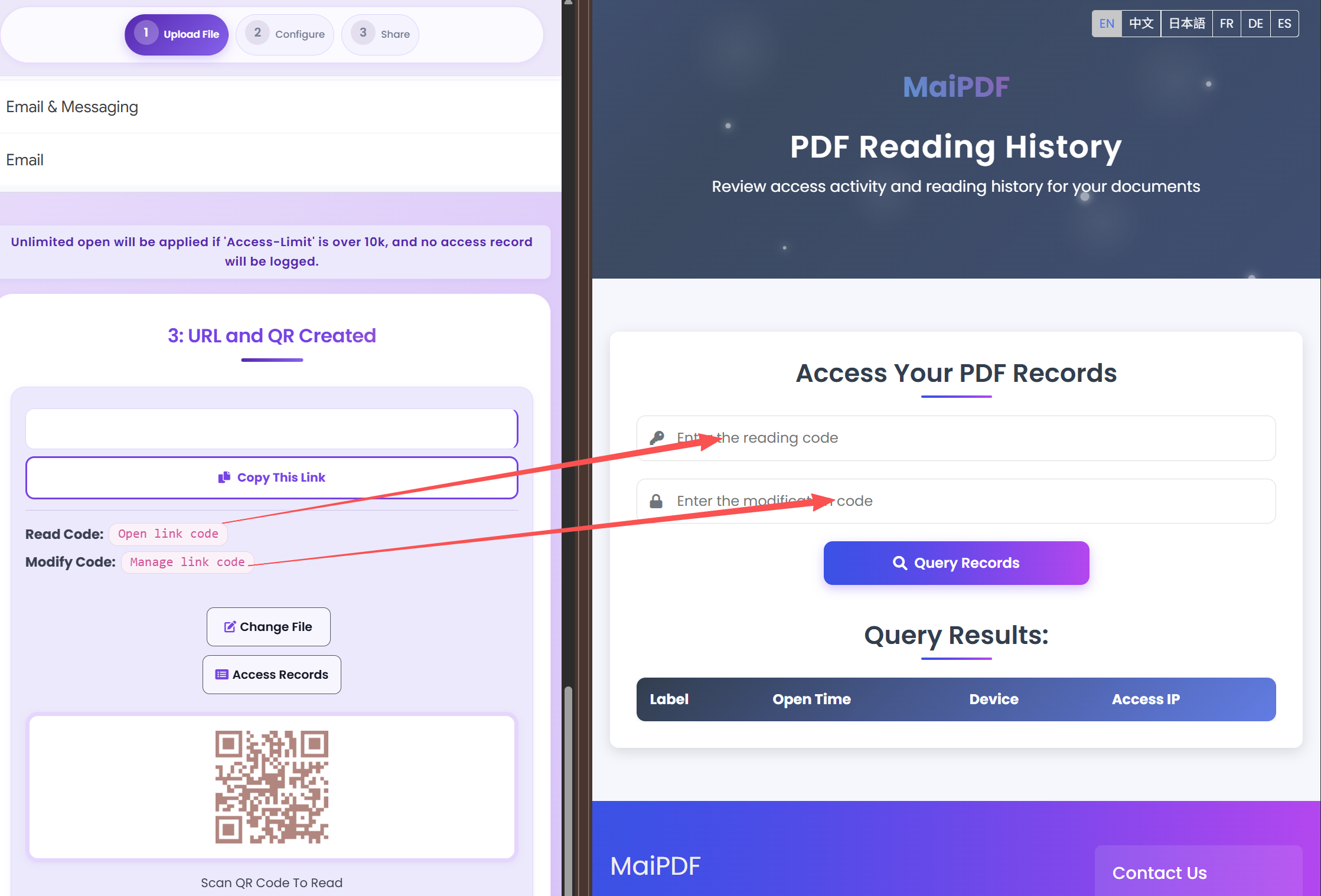
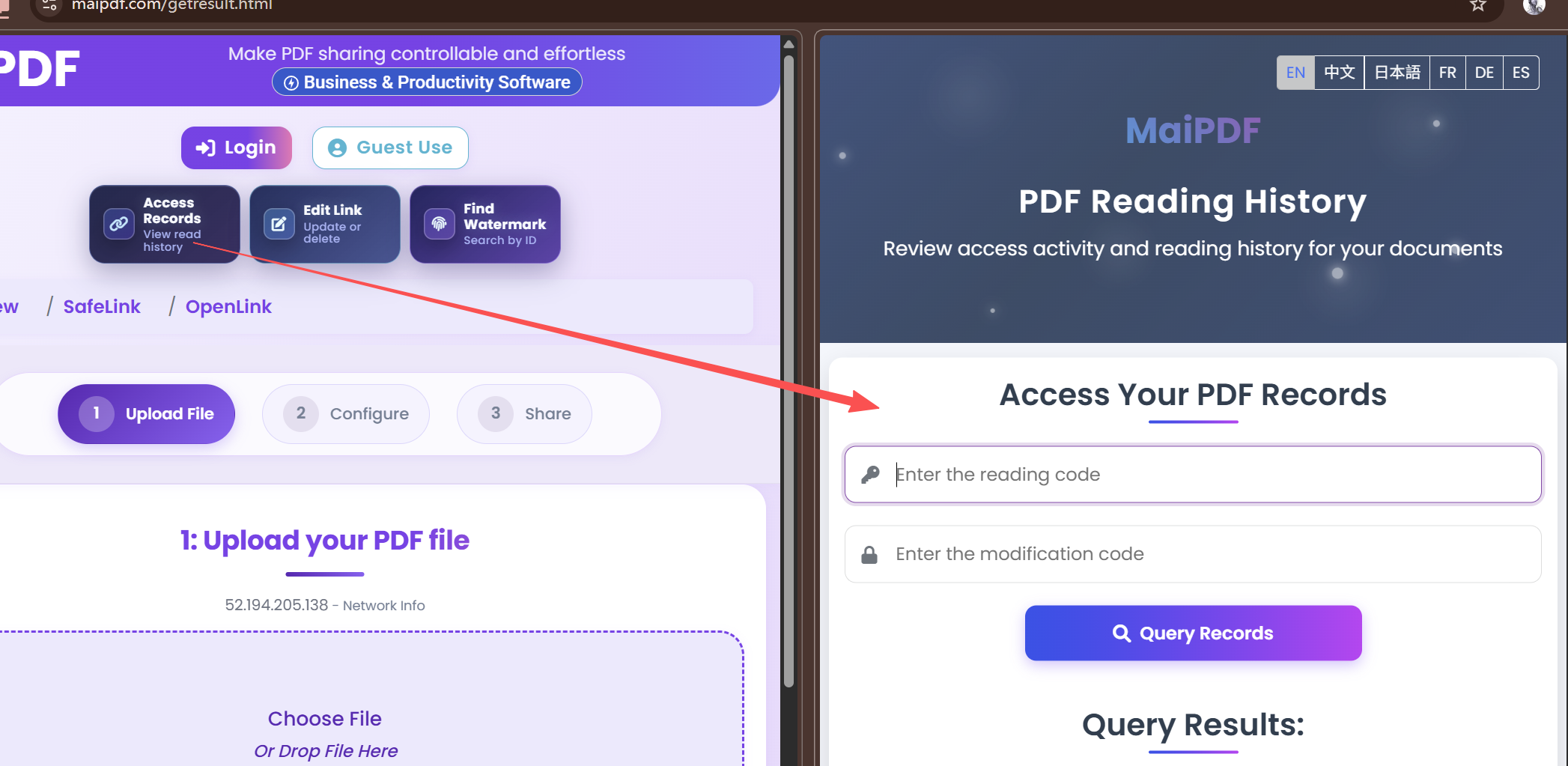
- Review logs weekly for abnormal access patterns.
Start with a Practical Template
Upload one PDF, enable dynamic watermark and verification, then share internally as your baseline policy.
Open MaiPDF